How to View Upcoming Events?
Learn how to view upcoming events

Transcript

Created:
June 25, 2023
Last updated:
June 25, 2023
[Campus Hub] >Left Navigation Bar > Events
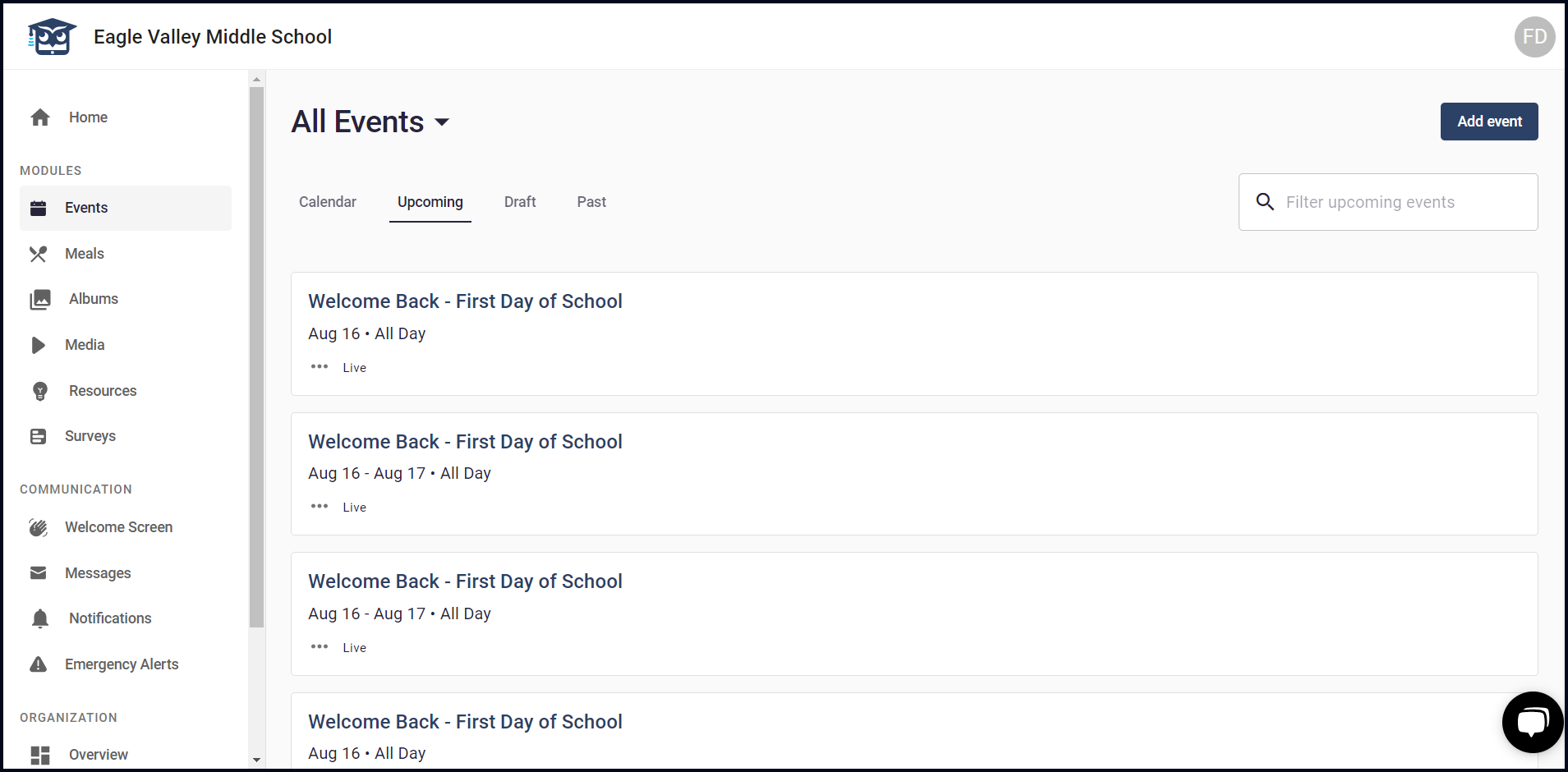
1. To view upcoming events, click the Upcoming tab.

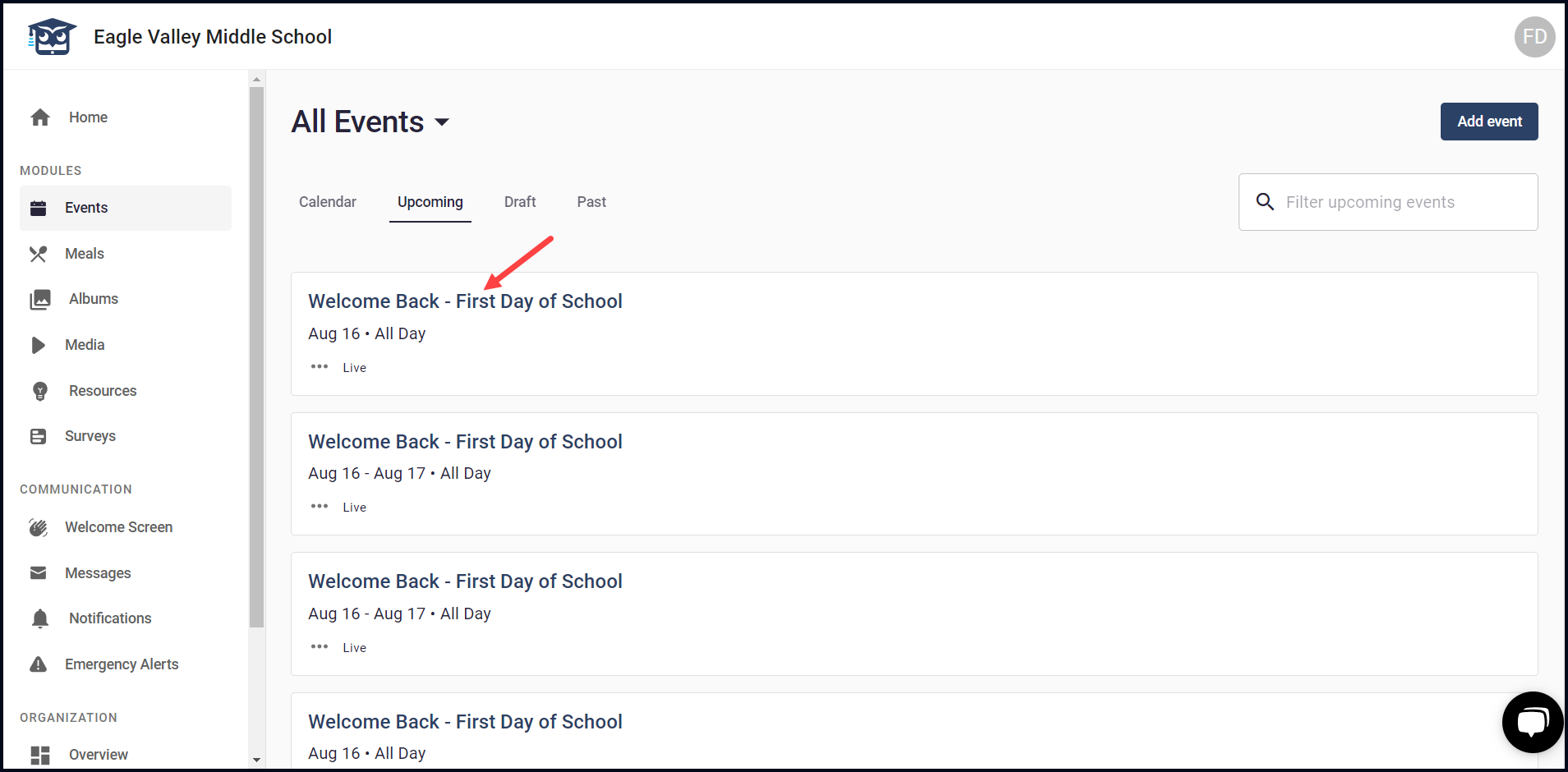
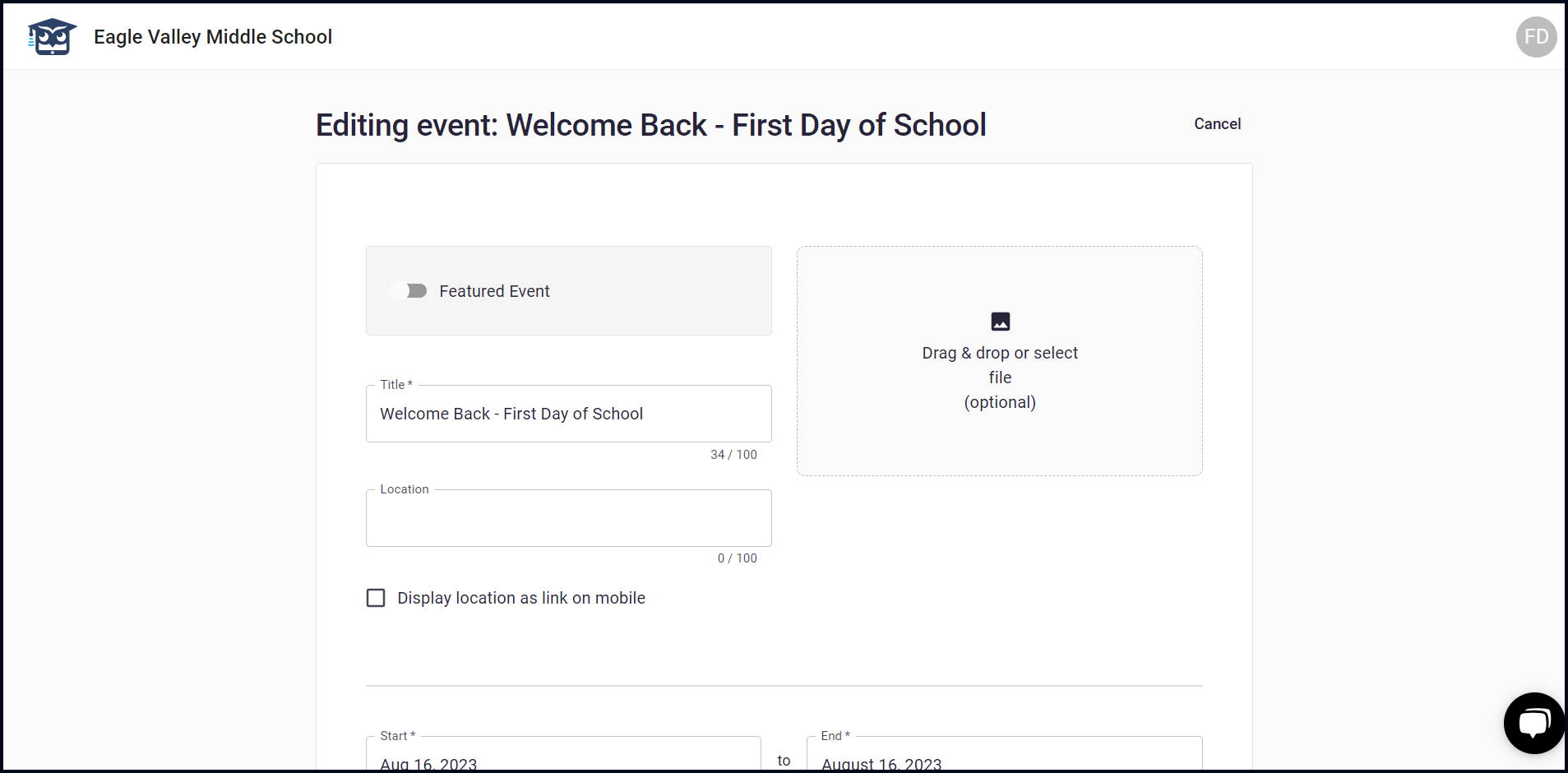
2. Clicking an event from here allows you to edit an event.
3. To search for a specific upcoming event, type the name of the event in the Filter upcoming events field.
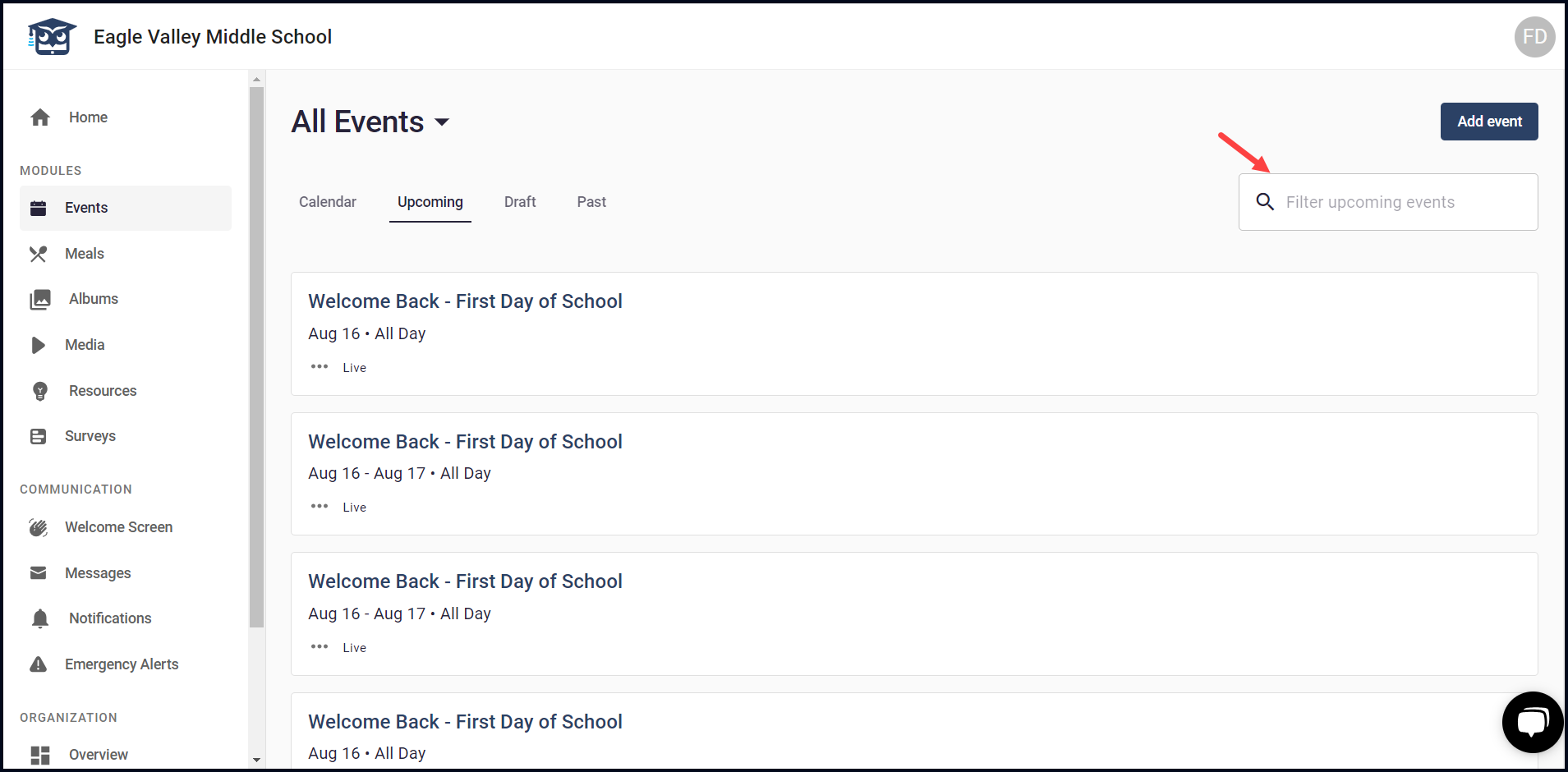
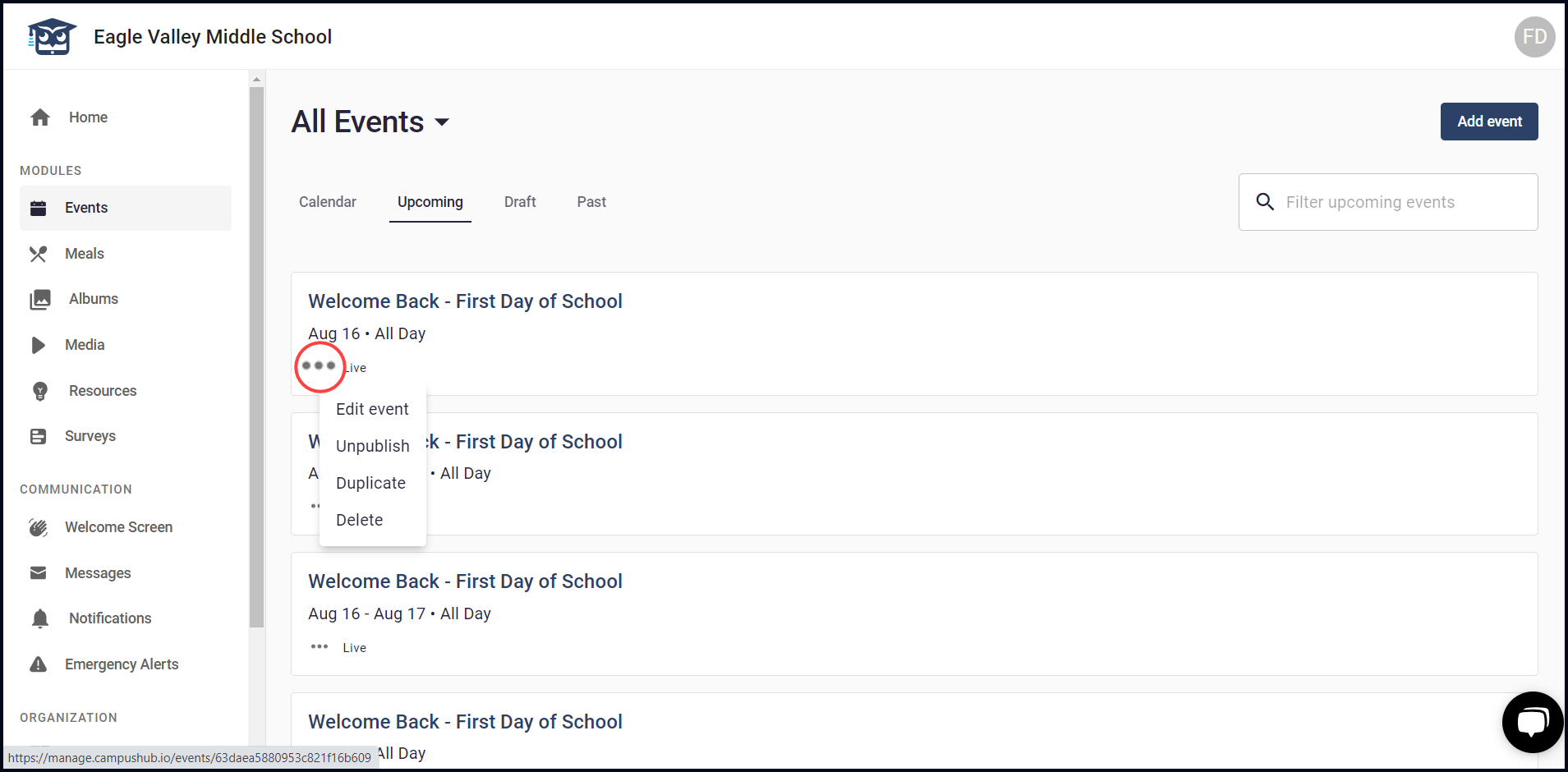
4. Clicking the three-dot icon from the event reveals a menu allowing you to edit, unpublish, duplicate, or delete the selected event.