How to View Resources from the Home Screen?
Learn how to view resources from the home screen

Transcript

Created:
June 25, 2023
Last updated:
June 25, 2023
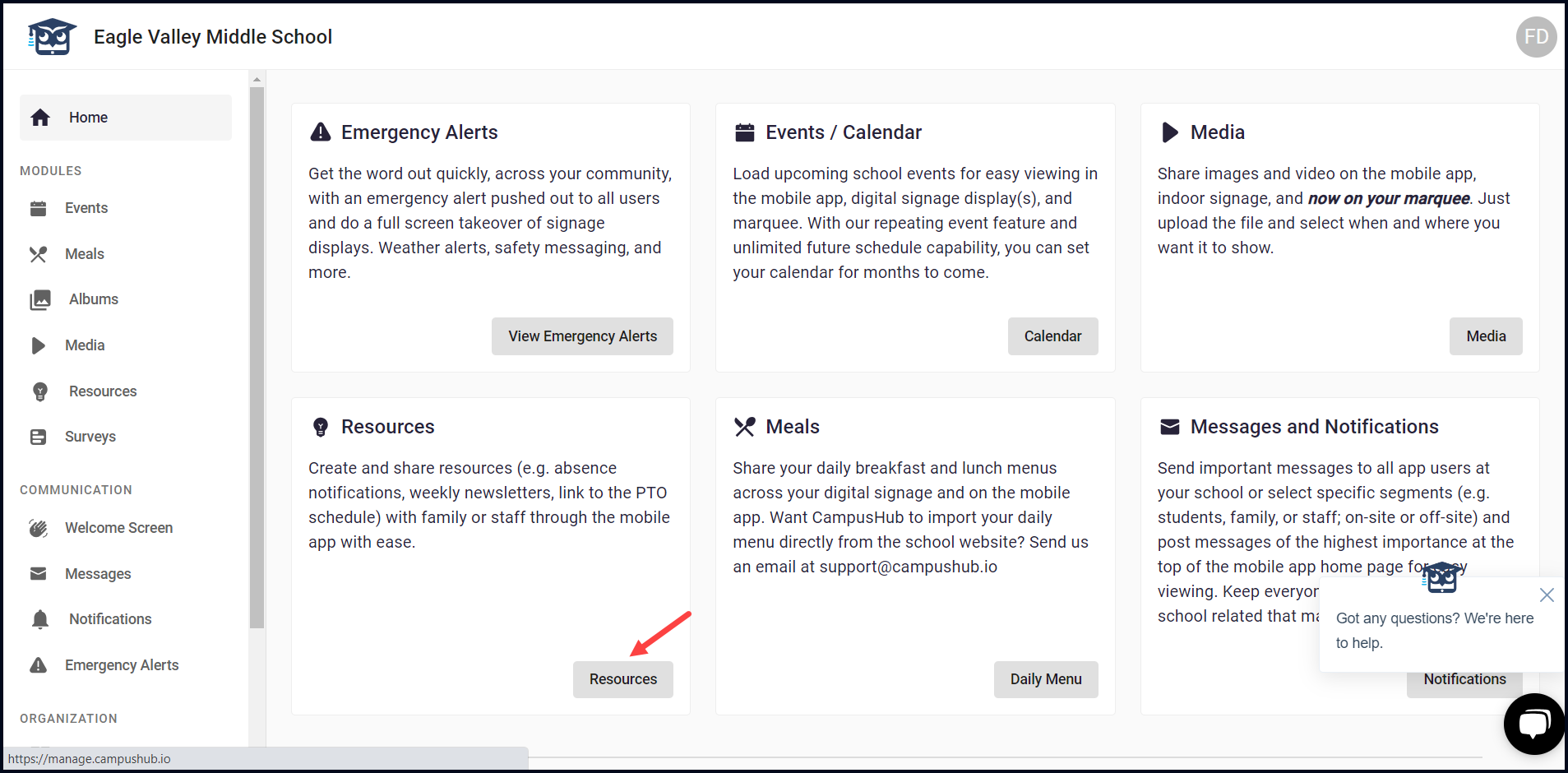
1. Upon successful login, navigate to the Resources card on the Home screen.
2. From here, click the Resources button. This takes you to the Resources screen where all the existing resources are listed.