How to Access Home Tab?
Learn how to access the Home Tab

Transcript

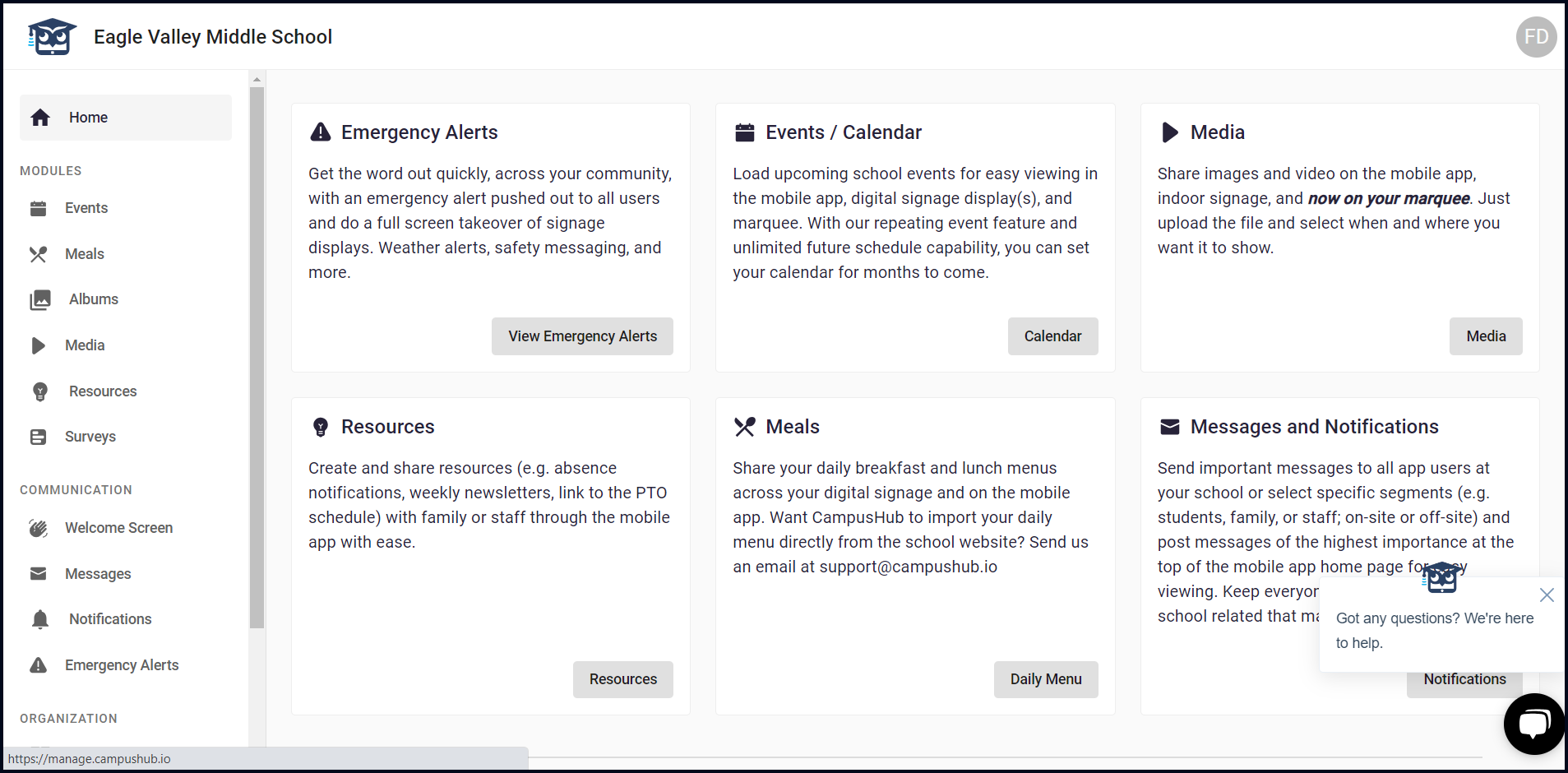
Created:
June 25, 2023
Last updated:
June 25, 2023
1. A successful login takes you to the Home tab by default. However, in case you are already logged in and are using a different module, navigate to the left navigation bar.
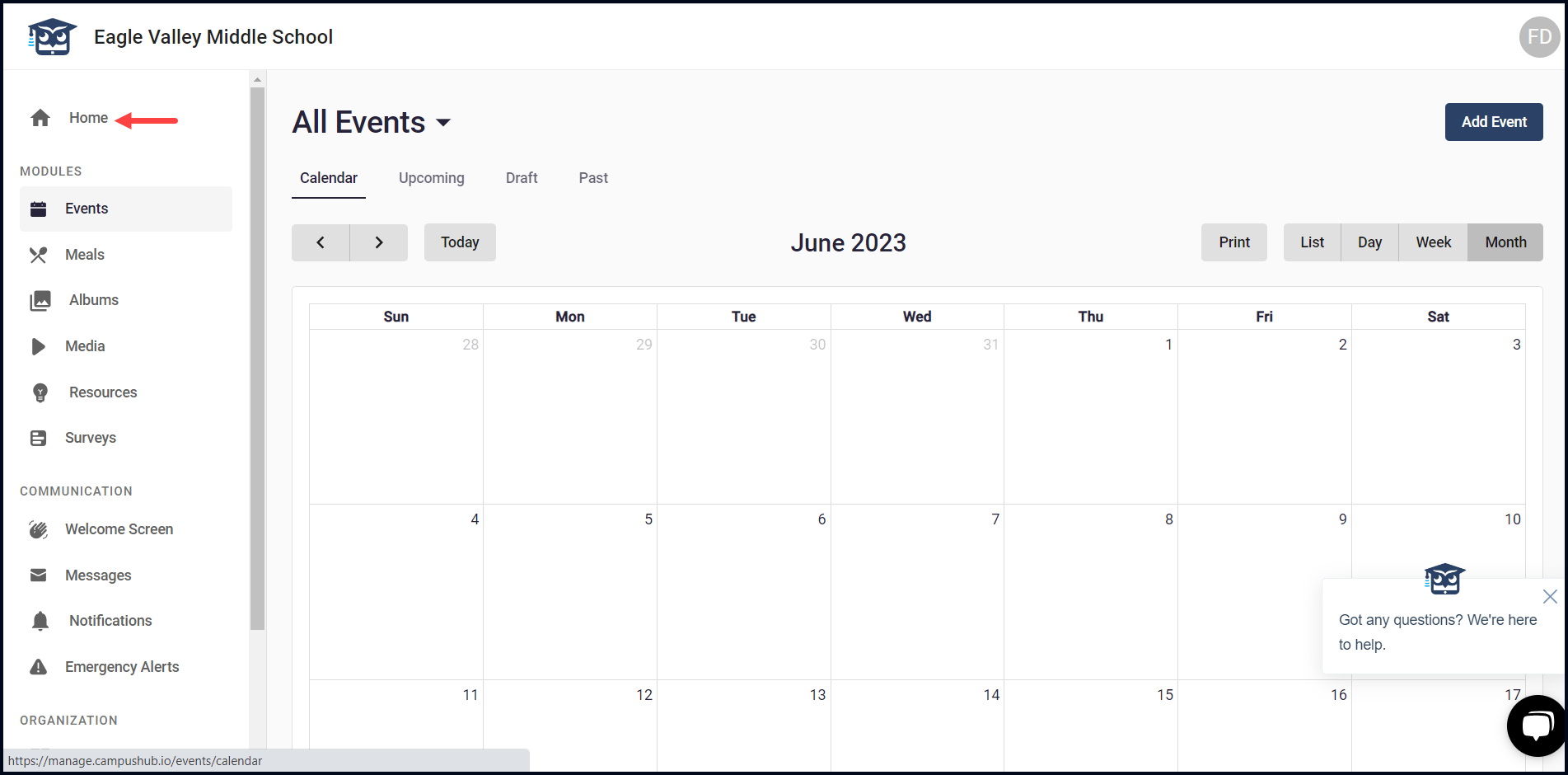
2. From the list of modules, click Home. Doing so opens the Home tab.
3. Here, an overview of the key features is displayed via individual cards. They include Emergency Alerts, Events/Calendar, Media, Resources. Meals, and Messages and Notifications.