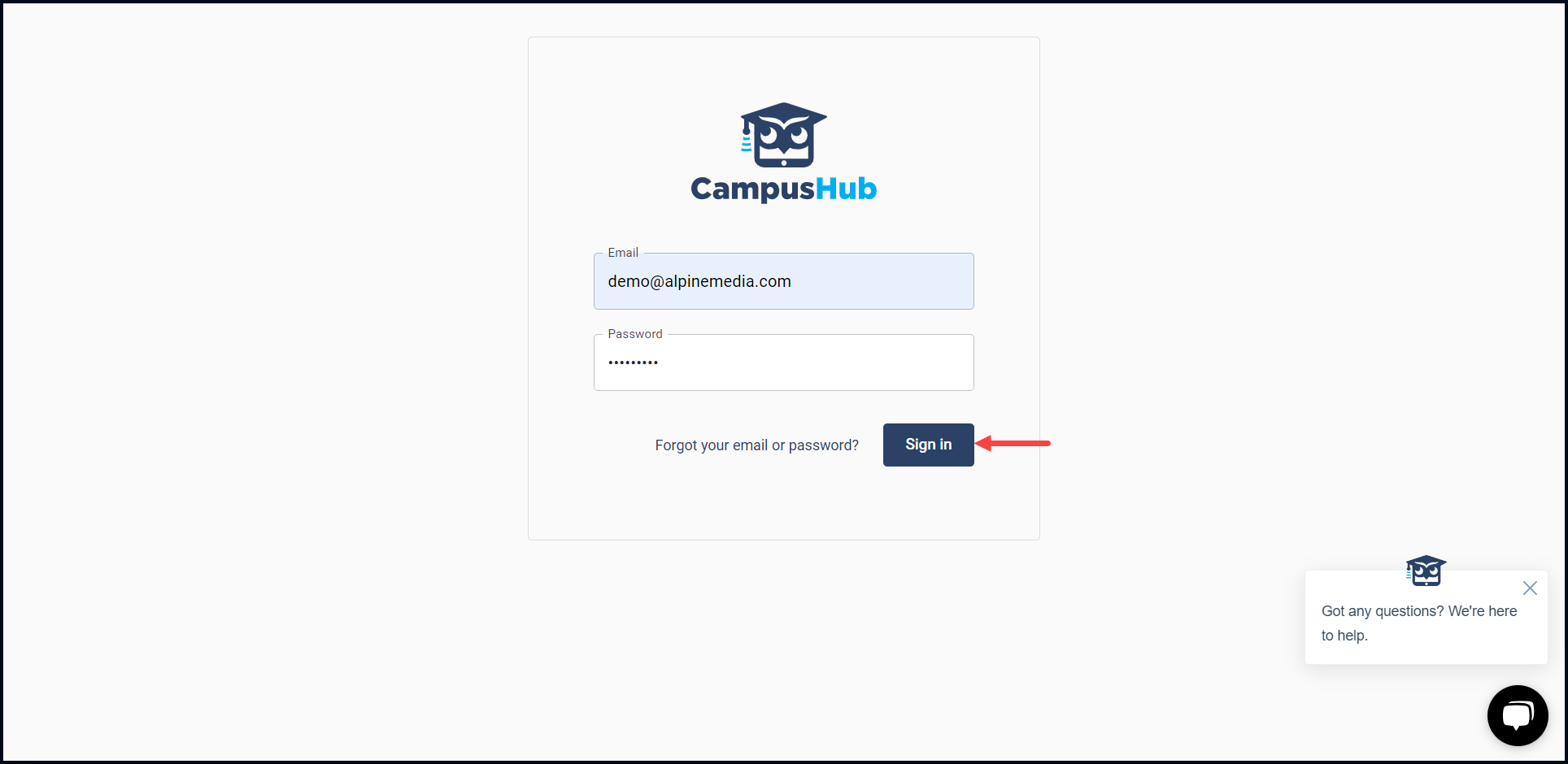
How to Login to Campus Hub?
Learn how to sign in to Campus Hub

Transcript

Created:
June 25, 2023
Last updated:
June 25, 2023
1. Use the https://manage.campushub.io/login URL to land on the Campus Hub login page.
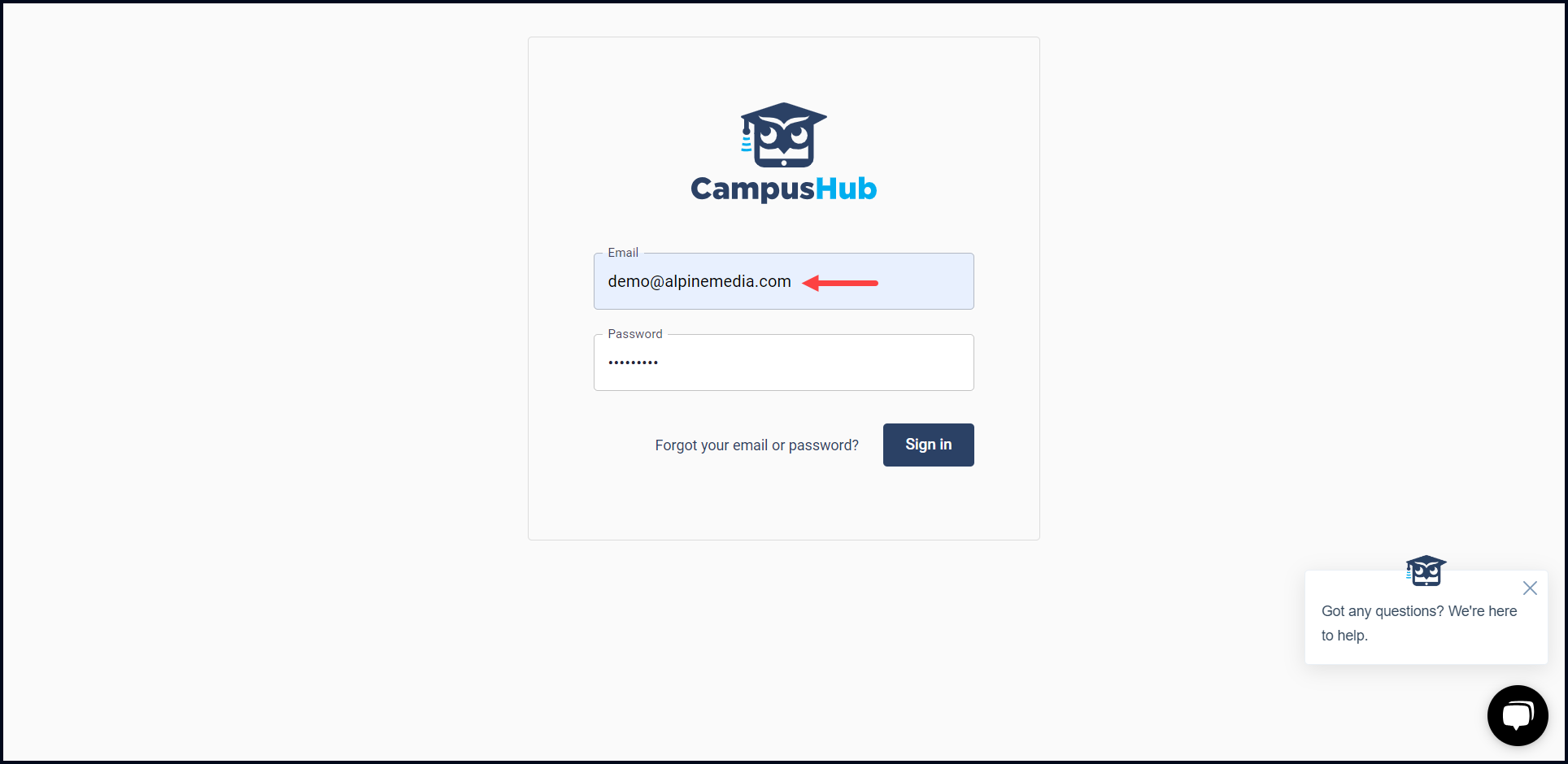
2. Here, use the Email field to enter your registered email address.
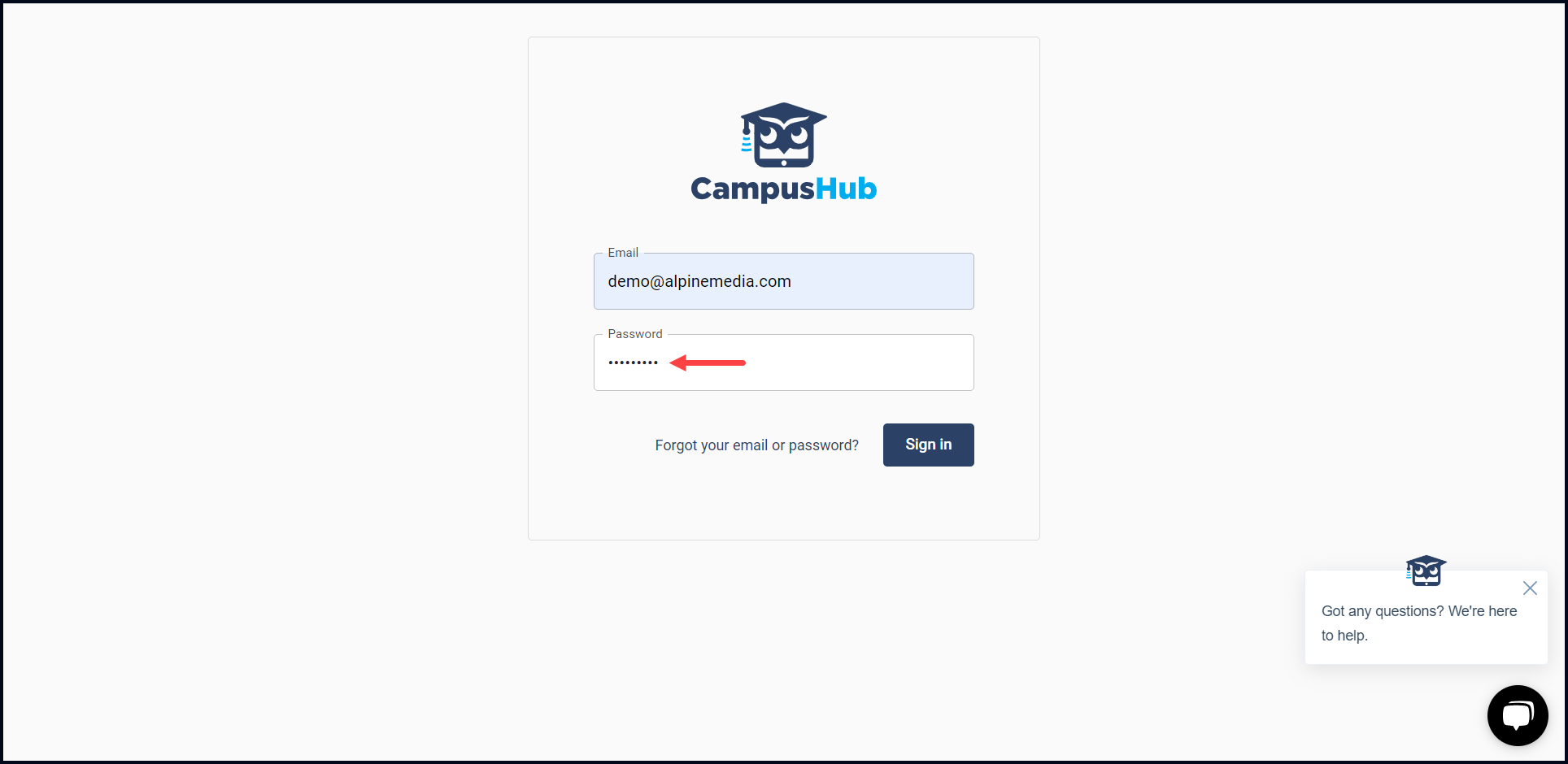
3. Enter the password associated with your registered email in the Password field.
4. Once the required information is filled in, click the Sign In button. This signs you into the Campus Hub application.