


How to Access Welcome Screen?
Learn how to access welcome screen

Transcript

Created:
June 25, 2023
Last updated:
June 25, 2023
1. Upon successful login, navigate to the left navigation bar.
2. From the list of modules, click Welcome Screen located under the Communication heading.
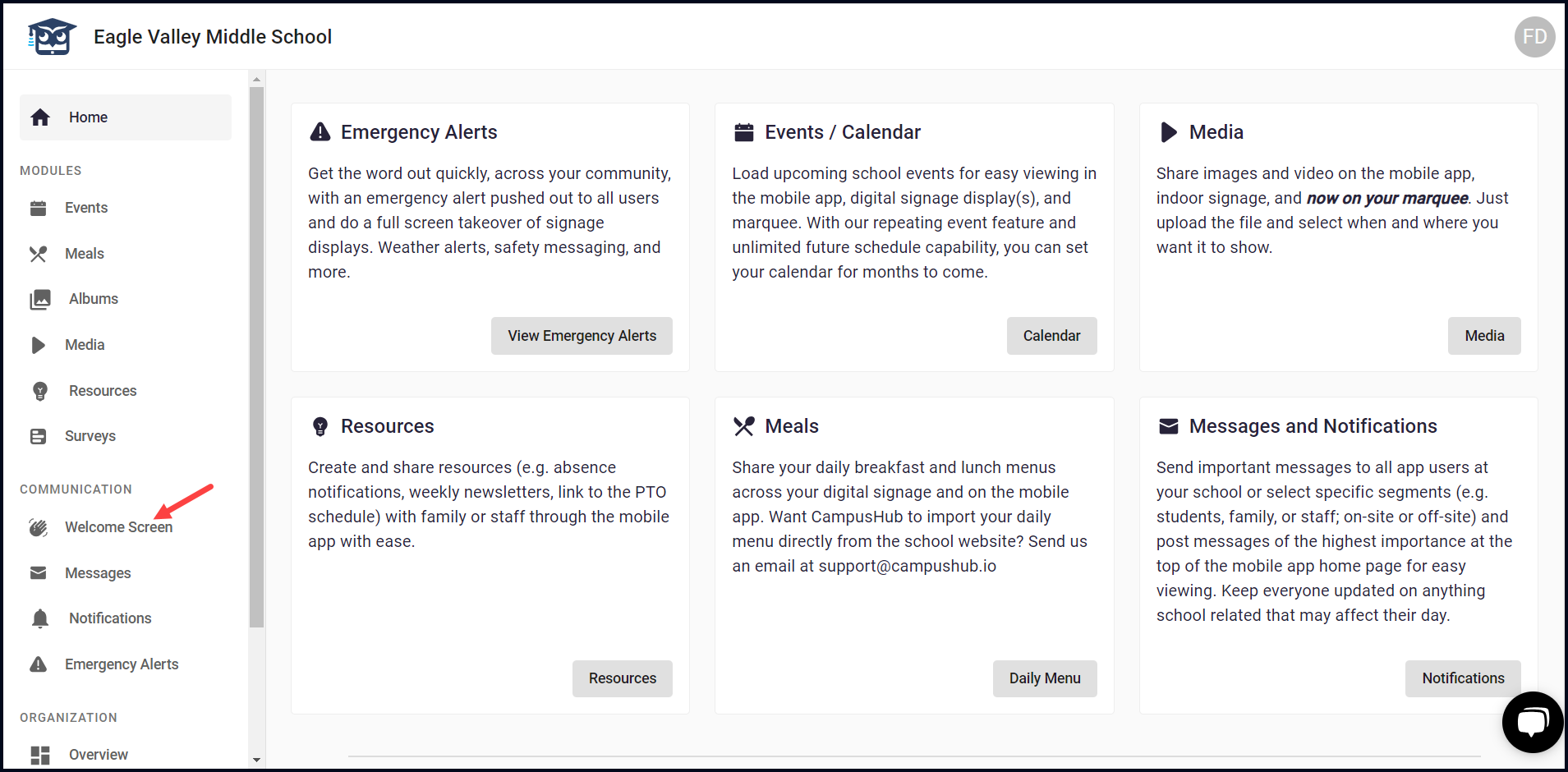
3. As a result, you land on the Welcome Messages screen where all welcome messages are segregated into Draft, Upcoming, Active, and Past.
4. By default, the Draft tab is displayed.

5. Clicking the welcome message title opens the message in an editable view allowing you to make any changes.

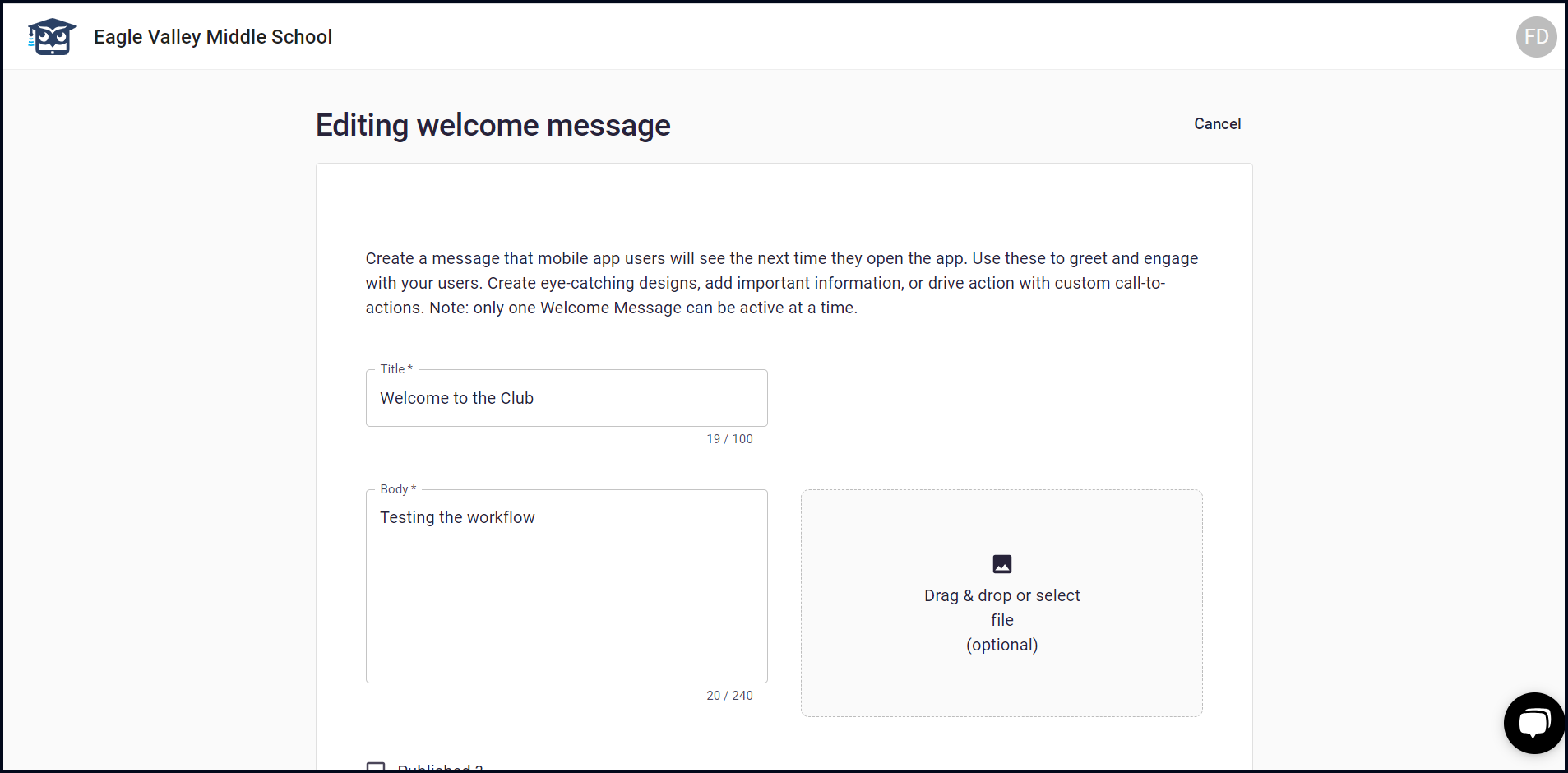
6. Clicking the three-dot icon from a welcome message reveals the View Details option you can use to view the details of the selected welcome message.

