How to Access Resources?
Learn how to access resources

Transcript

Created:
June 25, 2023
Last updated:
June 25, 2023
1. Upon successful login, navigate to the left navigation bar.
2. From the list of modules displayed, click Resources. Doing so takes you to the Resources screen.

3. Here, all the created resources are displayed via individual cards.
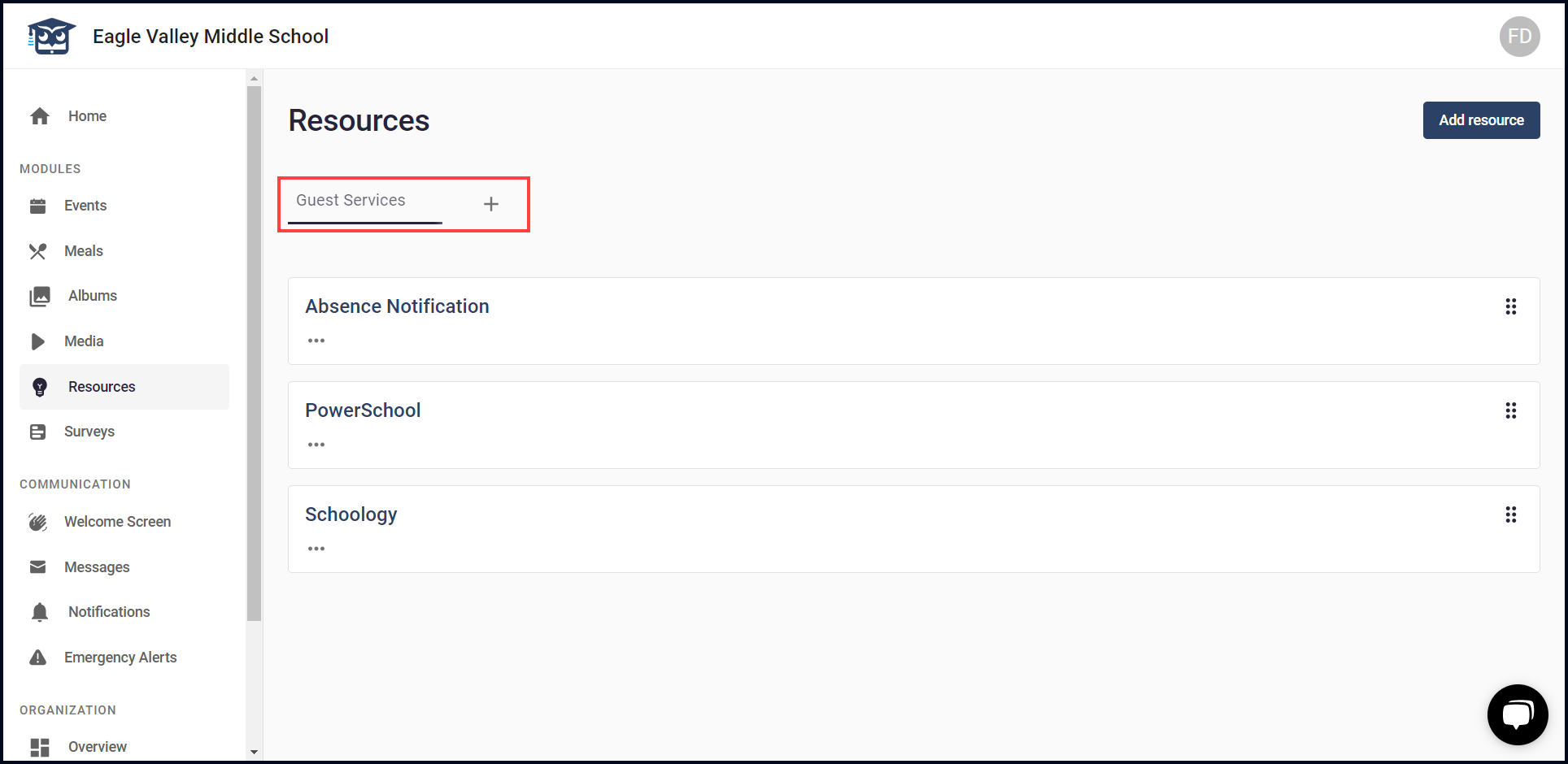
4. In addition, the groups that have been created to place resources are displayed via individual tabs. You can add another group by clicking the + button.
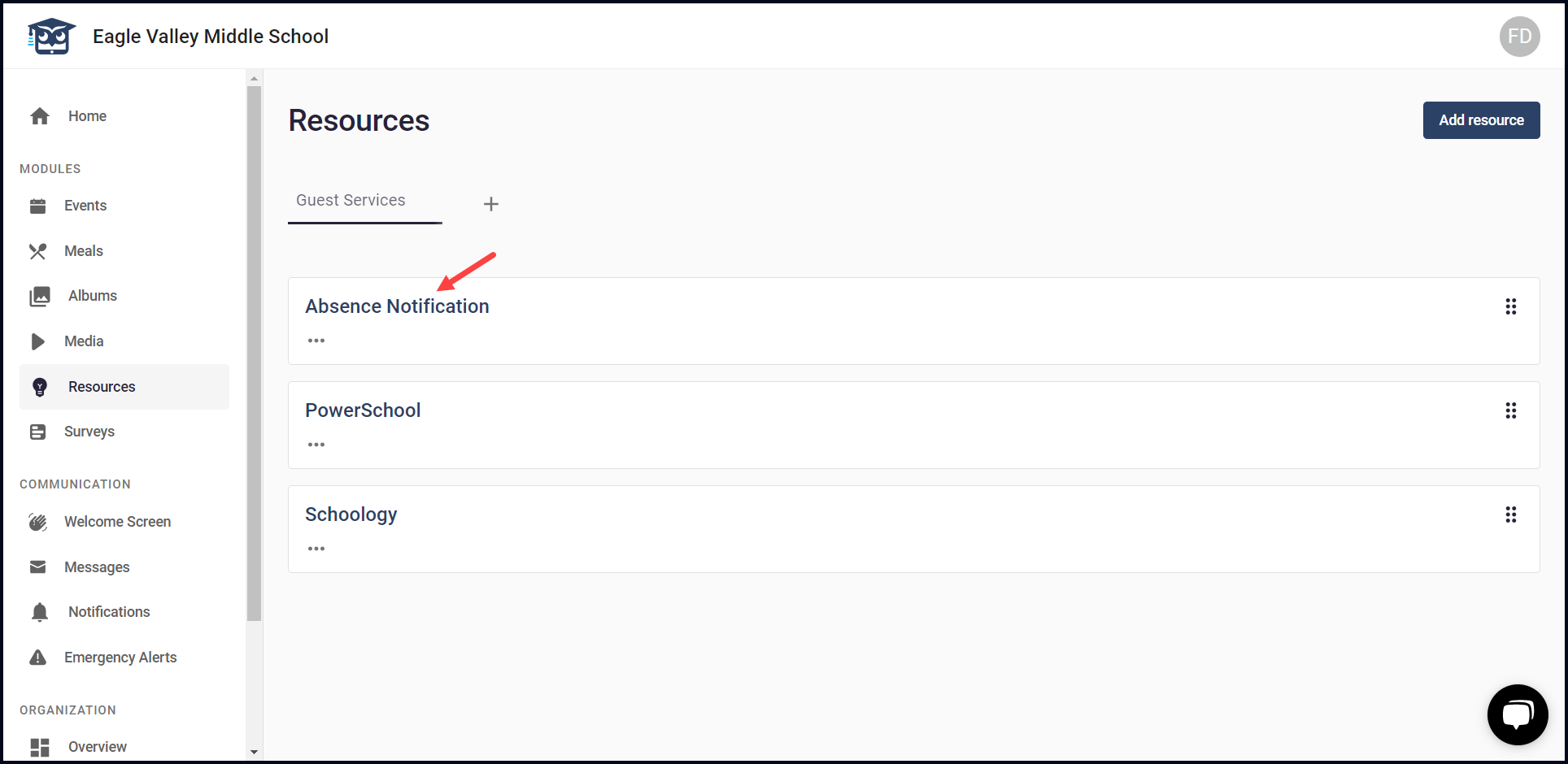
5. Clicking a resource title opens it in editable view allowing you to make any changes.
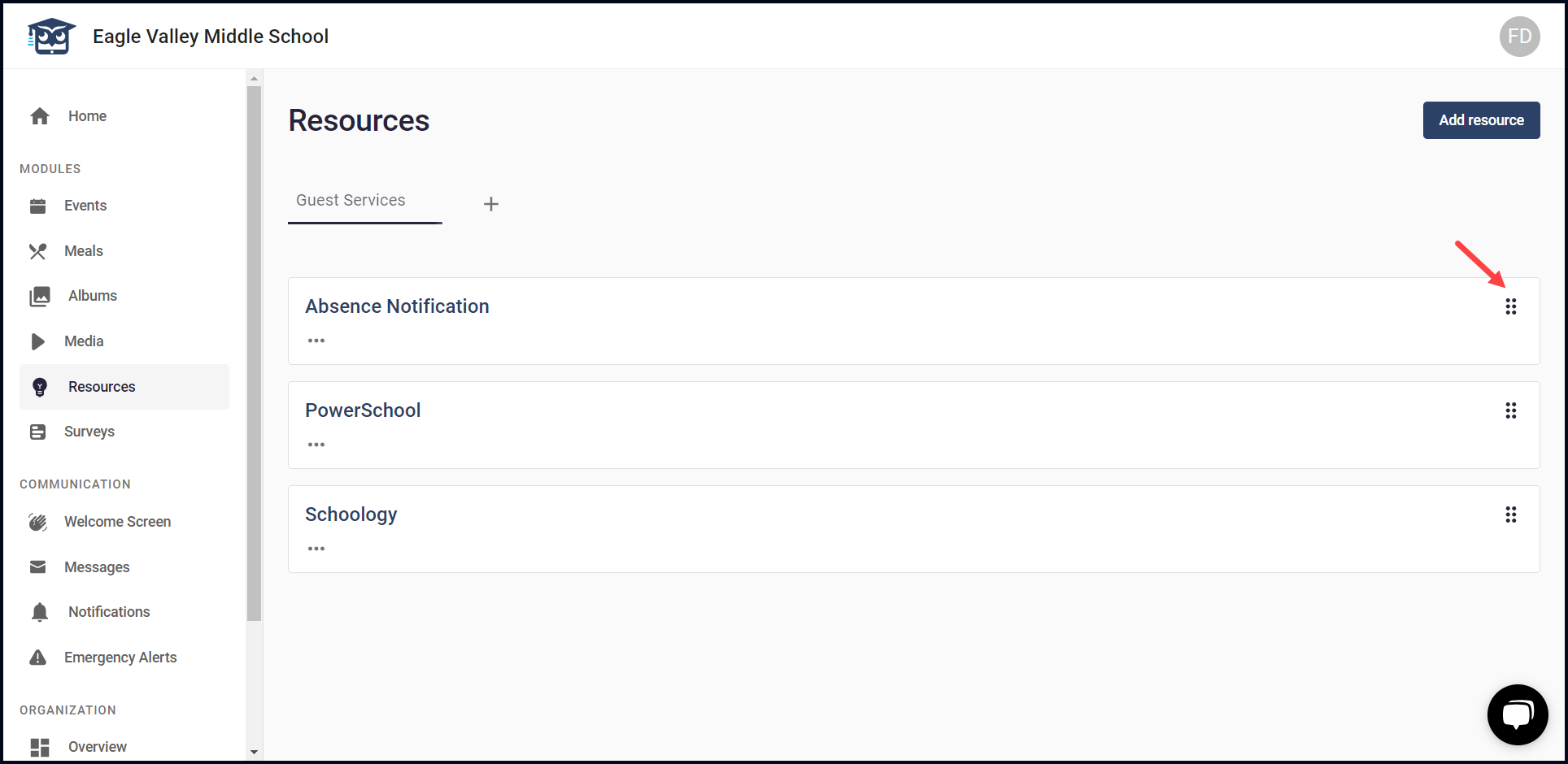
6. Moreover, clicking the drag icon allows you to drag and drop to set the order of displayed resources.
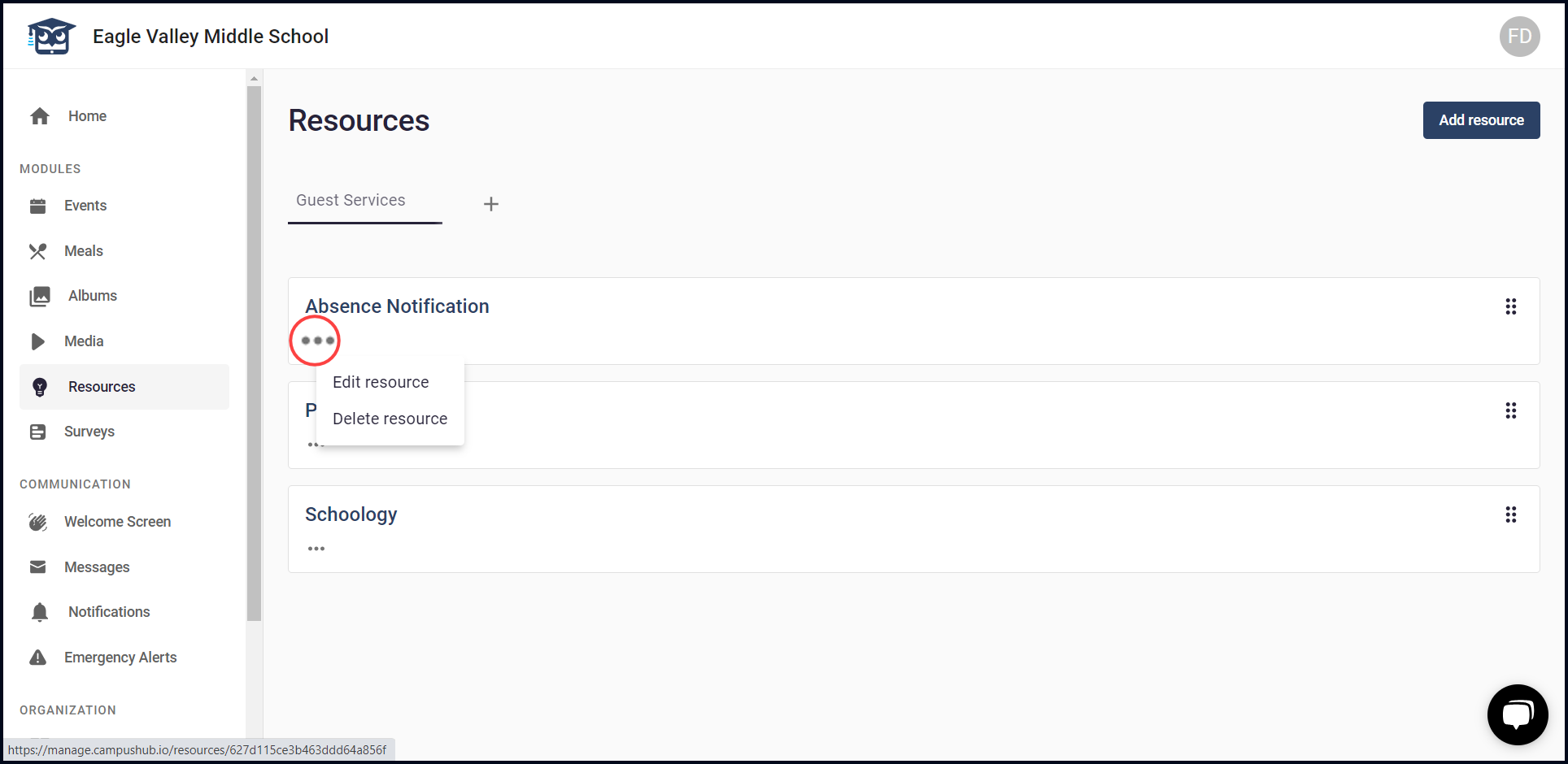
7. Clicking the three-dot icon from a resource card reveals a menu allowing you to edit or delete the selected resource.