How to Access Albums?
Learn how to access albums

Transcript

Created:
June 25, 2023
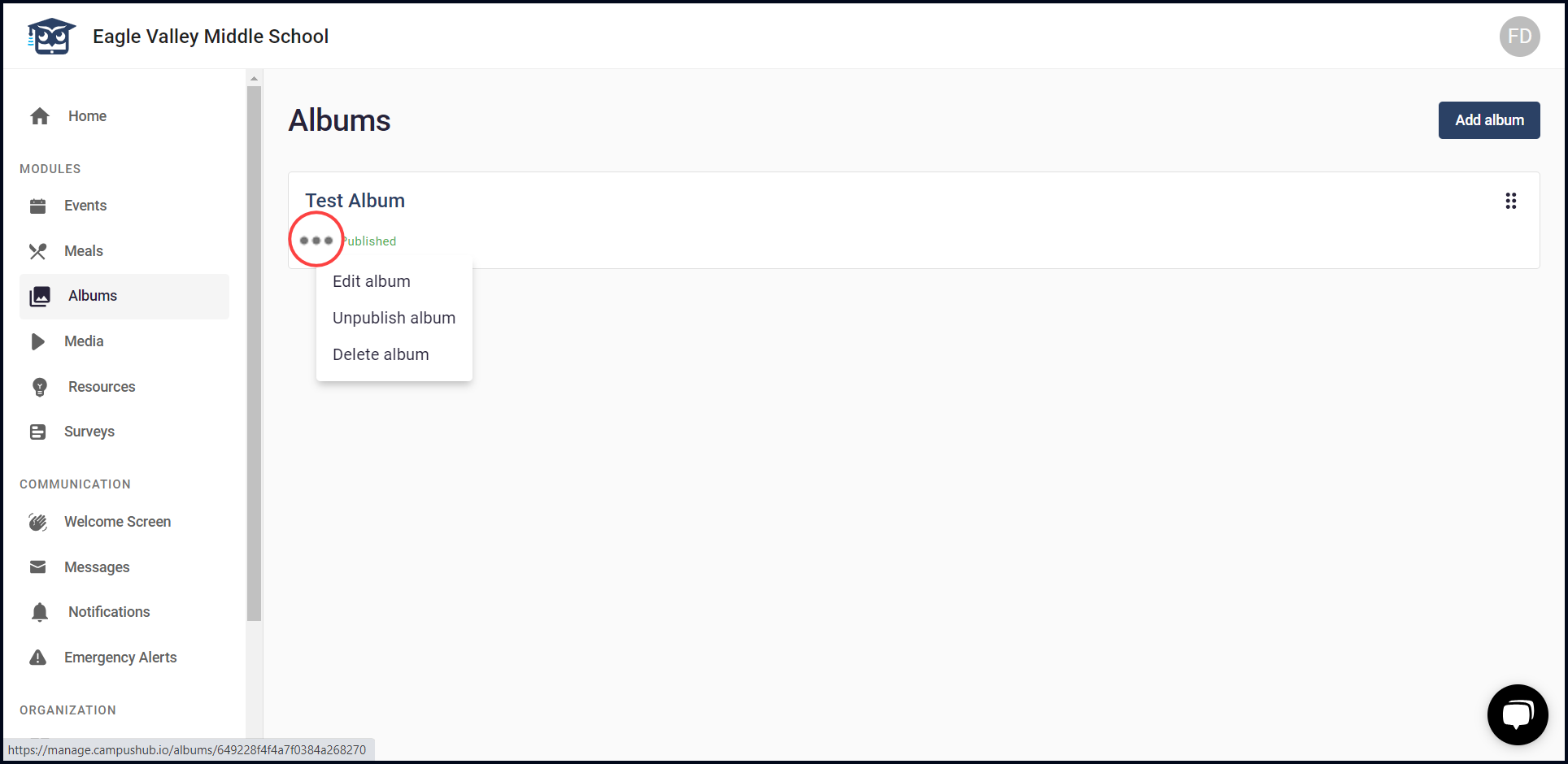
Last updated:
June 25, 2023
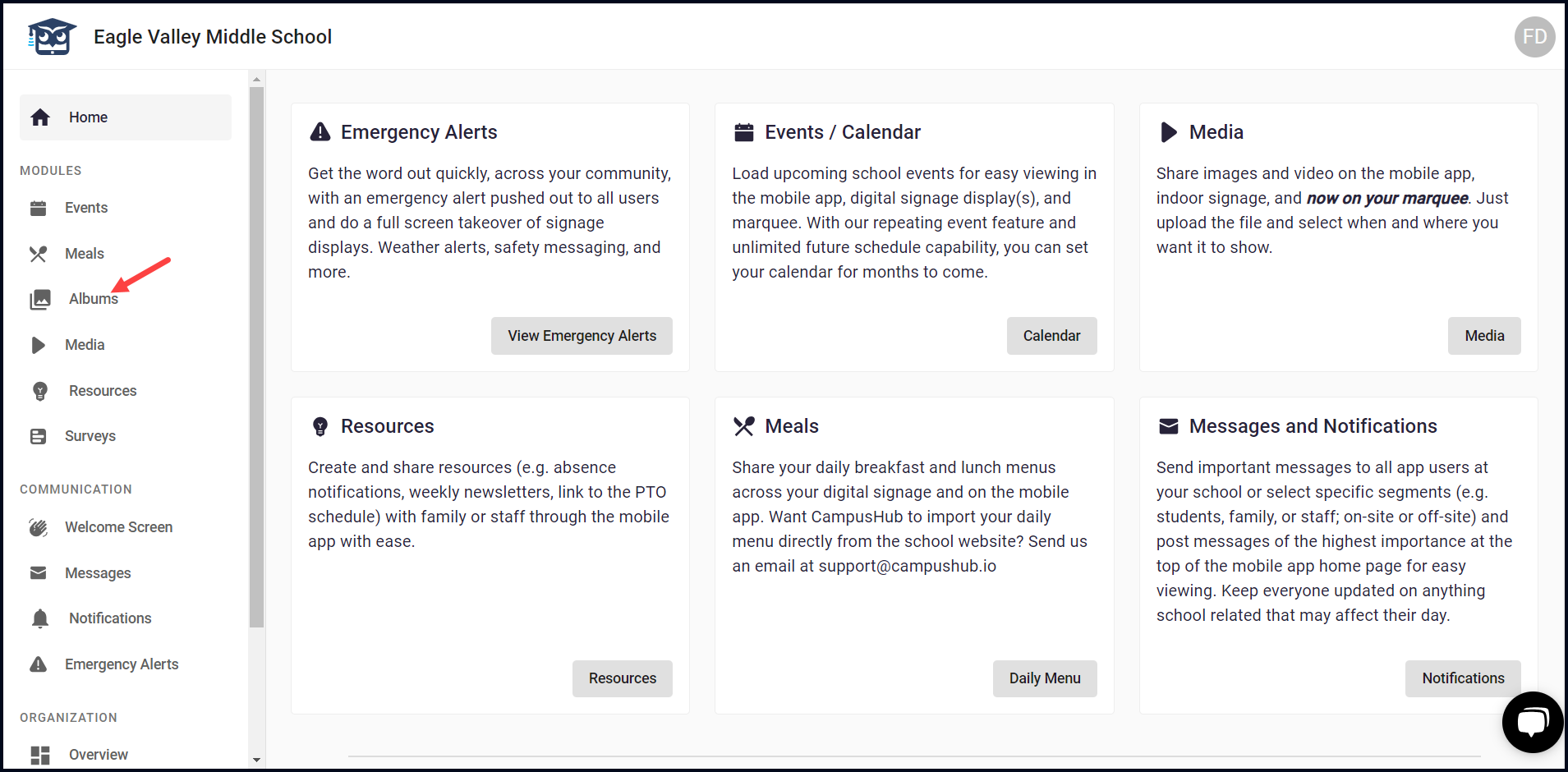
1. After logging in successfully, navigate to the left navigation bar.
2. From the list of modules, click Albums. Doing so takes you to the Albums screen.
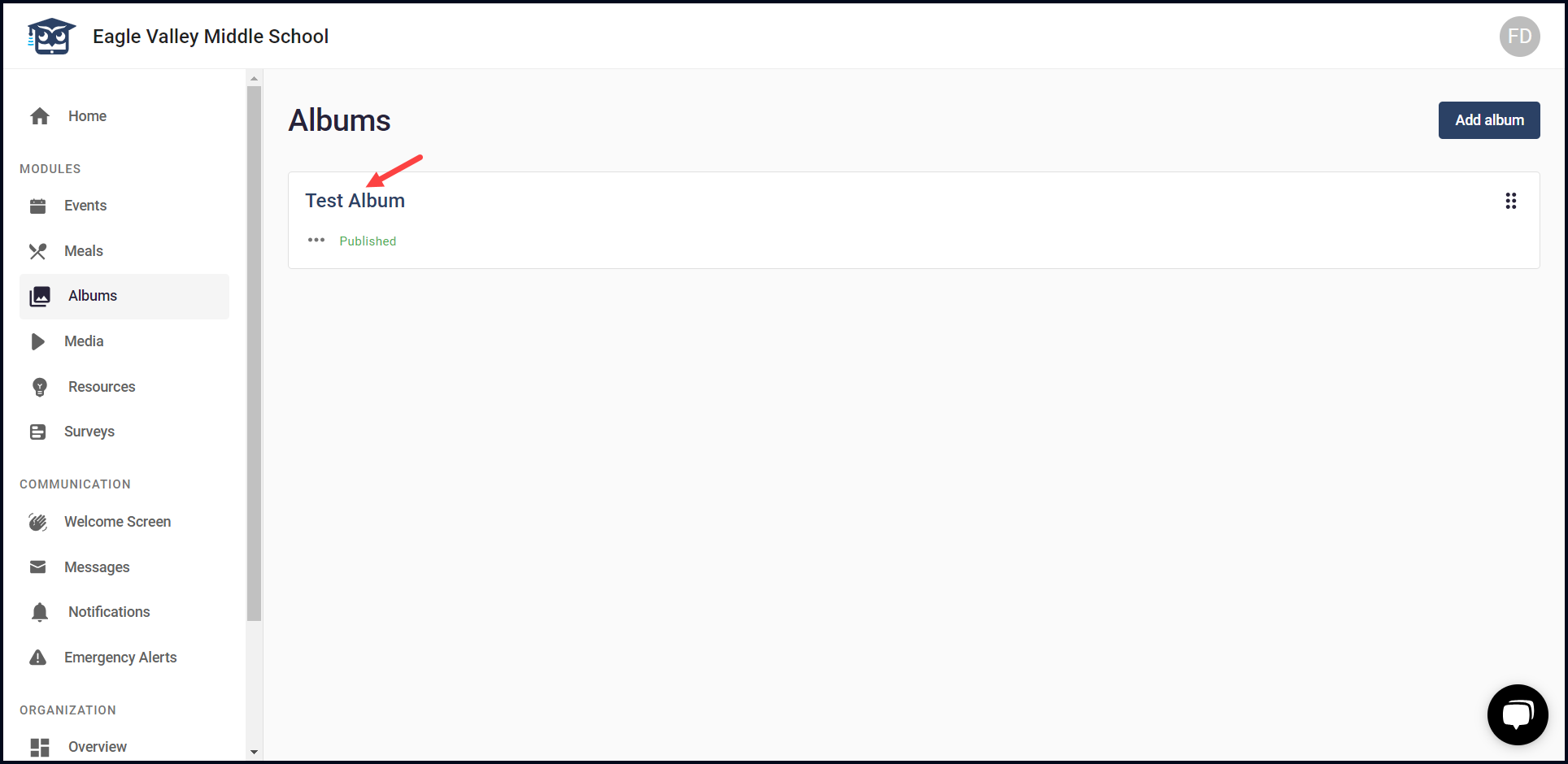
3. Here, all the created albums are displayed via individual cards.
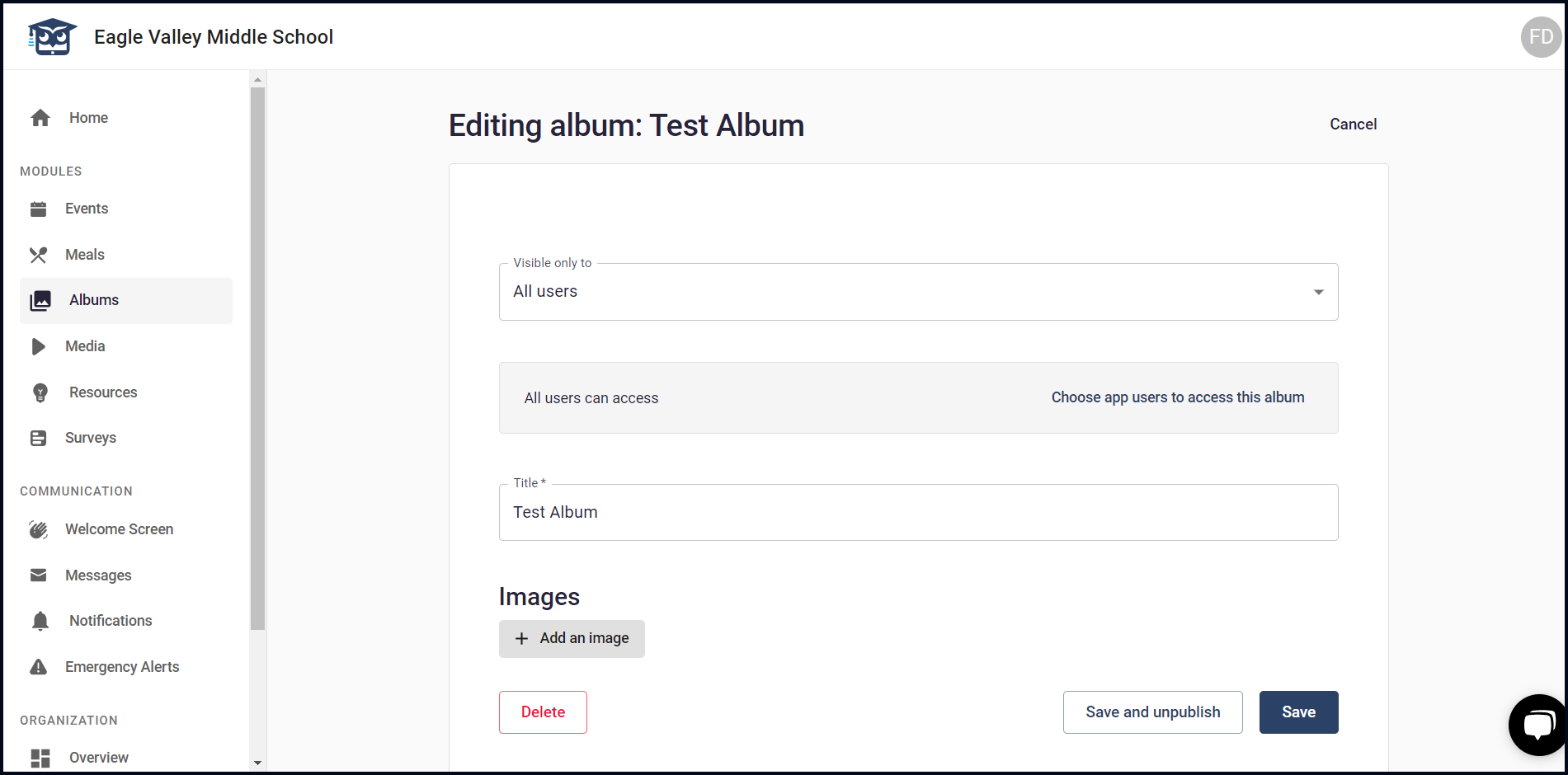
4. Clicking the album name opens the selected album in editable view allowing you to make the required changes.
5. Clicking the three-dot icon from an album name reveals a menu allowing you to edit, publish/unpublish, or delete the album.